Introducing Genspark AI Workspace 4.0: Your AI Employee, Now Everywhere

The way people work is changing faster than most software can keep up with. Genspark AI Workspace 4.0 is built around one idea: your AI employee should be wherever you are — on your desktop, inside your Office apps, in your meetings, and running complex workflows in the background.
Here's what's new.
Genspark Claw for Desktop
The web version of Genspark Claw is powerful. The desktop version goes further.
Genspark Claw for Desktop is a native client that brings AI directly to your local machine. It can see and operate your files, your applications, and your screen — not just what's inside a browser tab.
Two capabilities make this possible:
Computer Use lets the AI work with your local files on your behalf. Open a folder, rename a batch of files, extract data from a spreadsheet, move things around — it handles the mechanical work so you don't have to context-switch.
Browser Use handles web navigation automatically. Research a topic, fill out a form, monitor a page, pull data from multiple sites — the AI does the clicking and scrolling while you focus on what the results mean.
Together, these turn Genspark Claw from a chat interface into something closer to a capable junior colleague who can actually sit at a computer and get things done.
Genspark for Microsoft Office
Most AI tools ask you to leave your workflow to use them. Genspark for Microsoft Office does the opposite.
Our AI Slides, Sheets, and Docs Agents are now embedded directly inside PowerPoint, Excel, and Word as native plugins. You stay in your Office apps. The AI comes to you.
What that looks like in practice:
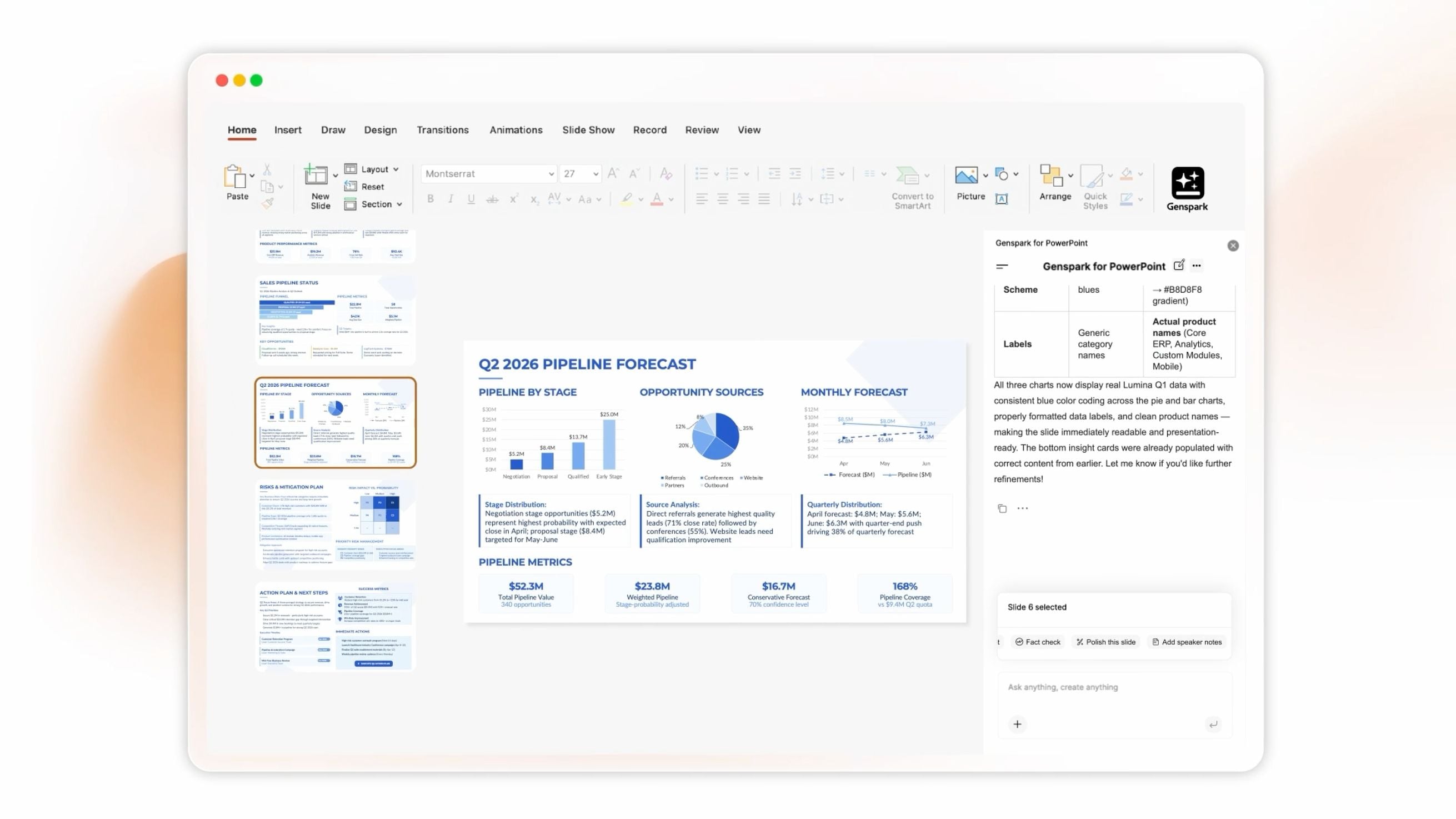
- In PowerPoint: Run deep research and generate AI-edited slides without leaving the deck you're already building.
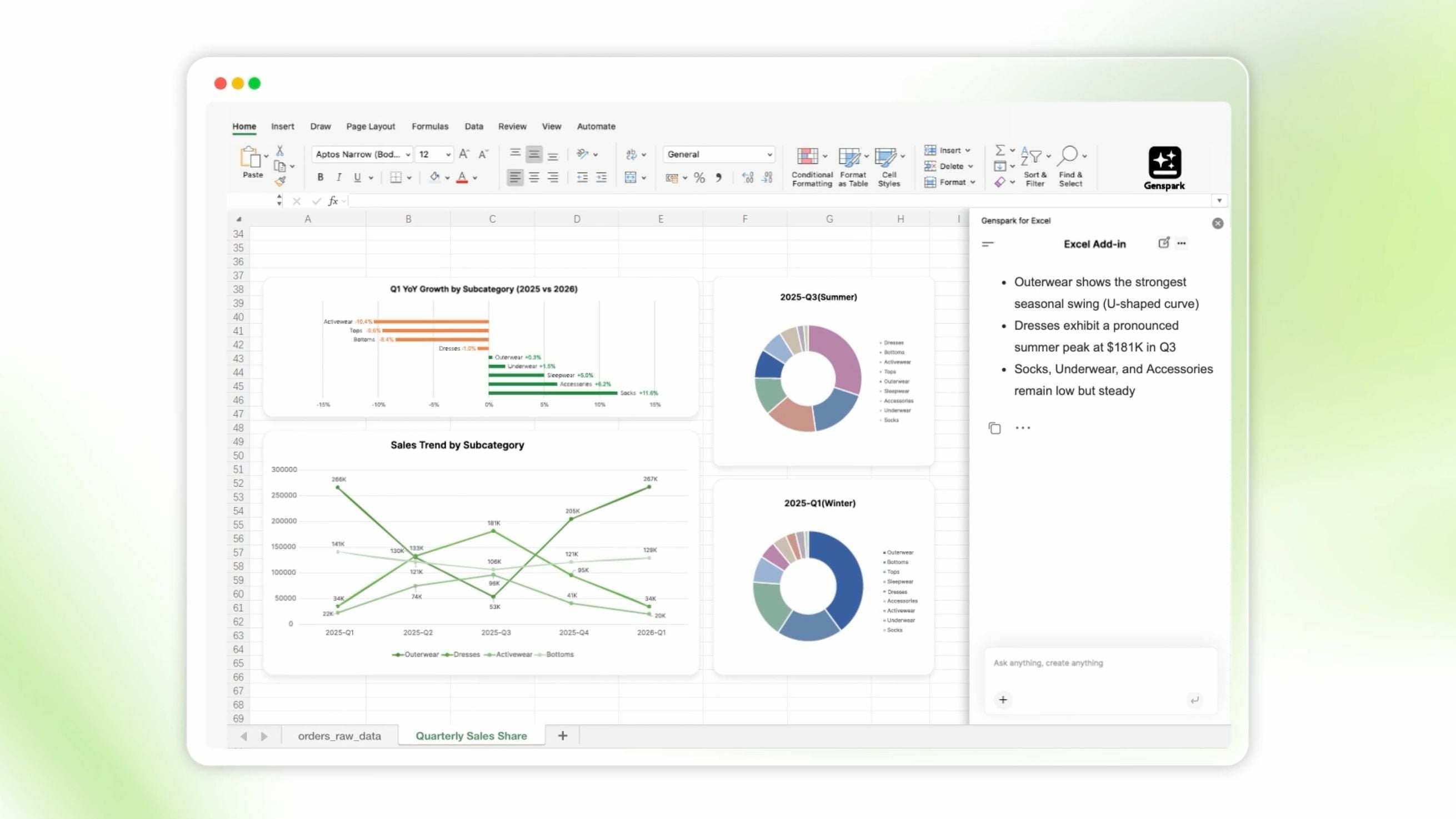
- In Excel: Ask for data analysis and visualization. Get charts, formulas, and summaries generated inline.
- In Word: Edit, restructure, and improve documents with an AI that understands context — not just grammar.
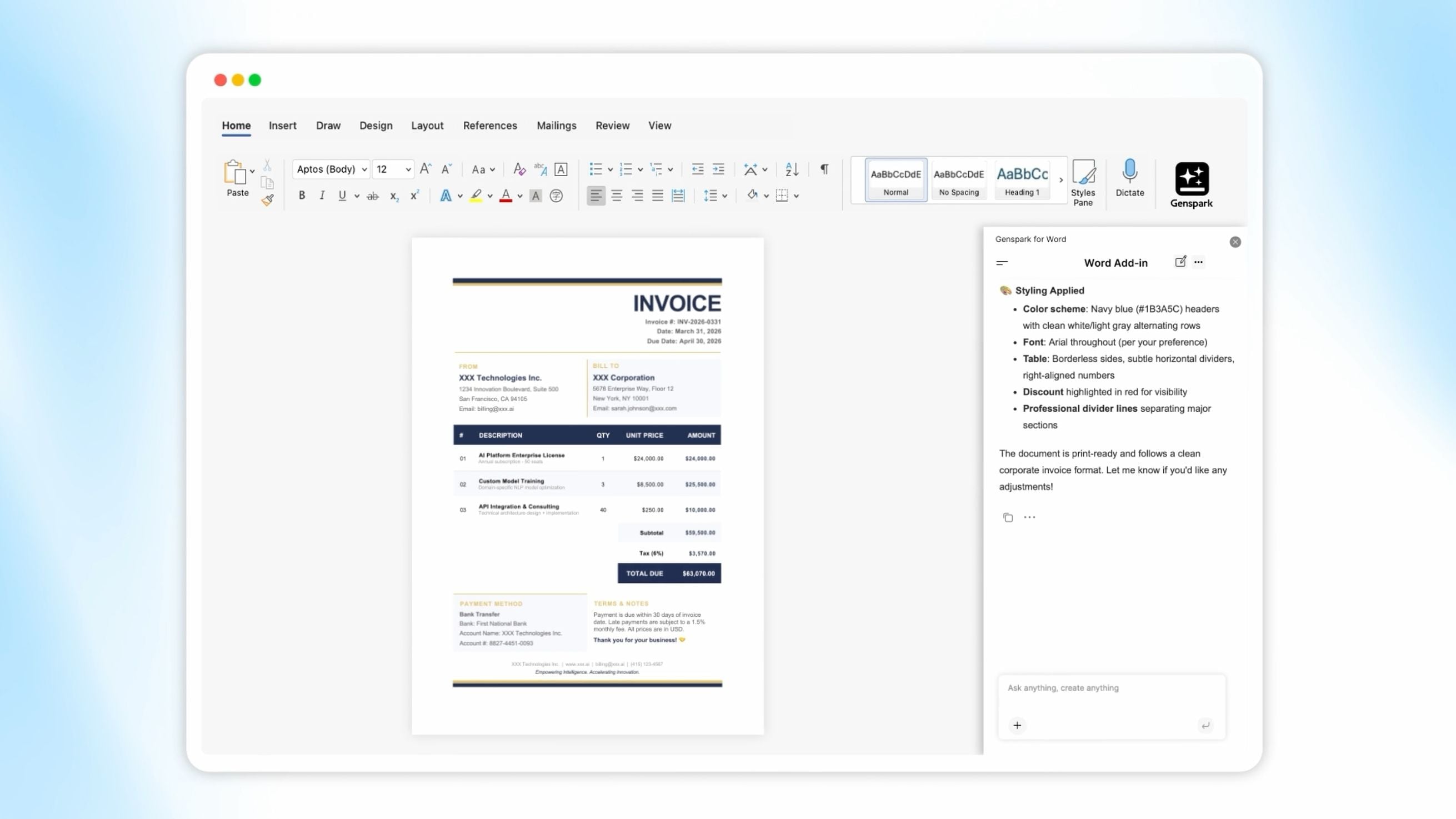
The agents inside Office are the same ones that power Genspark's AI presentation maker and AI document generator — the same quality, just embedded where you already work.
Speakly: Live Translation and AI Meeting Notes
Speakly ships two new capabilities that address a real pain in how distributed teams communicate.
Live Translation brings real-time multilingual translation to online meetings and video playback. If your team is spread across languages, or you're watching a video in a language you don't speak fluently, Speakly handles the gap in real time — no post-meeting transcripts, no waiting.
AI Meeting Notes is now fully integrated with Genspark's meeting intelligence. Connect your Google or Outlook calendar, and Meeting Bots will automatically join your scheduled calls, take notes throughout, and send summaries to all attendees when the meeting ends. No setup per meeting. No one has to remember to hit record.
These two features sit on top of Speakly's existing capabilities — they're additions, not replacements.
Genspark Advanced Workflows
Our Super Agent engine handles a lot. For more complex, multi-step automation tasks, we've built something faster.
Genspark Advanced Workflows runs on OpenCode, a significantly faster execution engine. Complex tasks that previously required long waits now run faster — and the engine handles edge cases and branching logic with more reliability than before.
If you've hit the ceiling on what Super Agent can automate, Advanced Workflows is where to go next.
These four updates share a direction: AI that fits into how you already work, rather than asking you to reorganize around it. Desktop-native, Office-native, calendar-native, workflow-native.